
Slides are becoming the web.
We're building the road.
Tools for the presentations you give today, and the medium you'll present in next.
New
The whole picture, one point at a time.
Complex workflows and frameworks belong on one slide, so the room sees how the parts connect. SparkSpotlight lets you walk through them point by point: click an element, the slide dims, and a key-point card explains it.
See SparkSpotlightThe Collection: 6 tools


SparkSpotlight
The whole picture, one point at a time.
POWERPOINT ADD-IN
Spotlight effect in PowerPoint
SparkText
Motion is a language. Learn to speak it.
FREE TOOL + PRO · ETSY PACKS
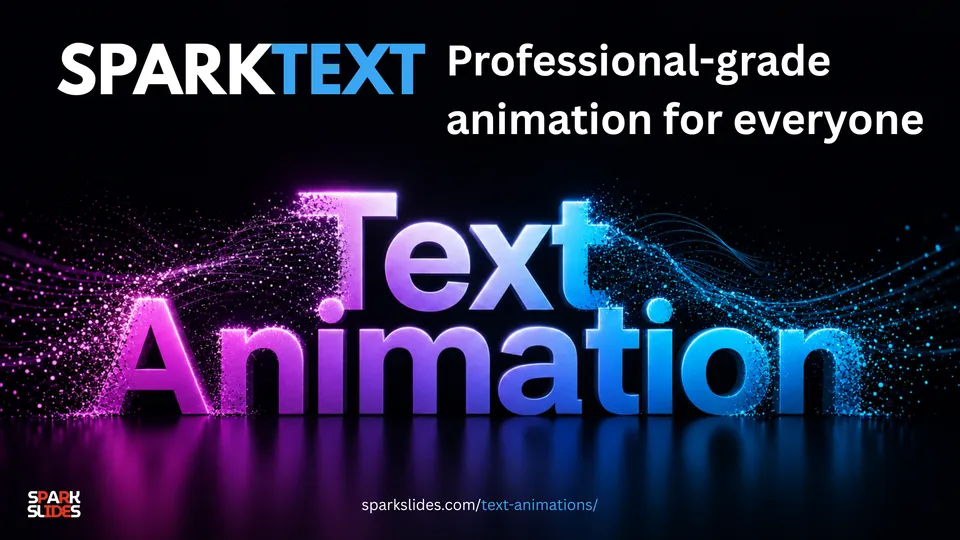
Animated text for PowerPoint


From carved stone to printed page
From film reels to digital screens
From slide decks to virtual landscapes
Storytelling has always sought the canvas of its time.
It is the timeless drive to share ideas
to illuminate, to connect, to move.
SparkSlides is that canvas.
Not just slides. Sparks of thought
shared with creativity, carried with pride.
From the studio
Spotlight Effect in PowerPoint: Click to Highlight and Explain
Add a spotlight effect in PowerPoint with one click. In slide show, click any element: the rest of the slide dims, that element stays bright, and a card explains it. No animations to build.
SparkText Demo: Stunning Text Animations for PowerPoint & Presentations (No animation skills Needed)
Create animated titles for free with SparkText: a simple way to create stunning animated titles and text effects without coding, complex animation software, or professional motion design skills.
Turn PowerPoint Into a Website in Seconds | SparkPublish
What if your PowerPoint presentation could become a website?