
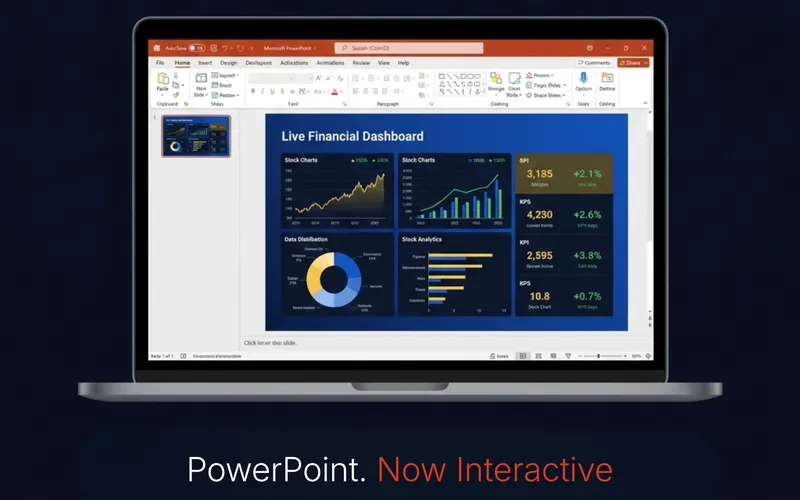
SparkEmbed: PowerPoint Add-in
A PowerPoint content add-in that puts a live, interactive web page directly on your slide: dashboards, demos, calculators, your own product. The modern replacement for Microsoft's retired Web Viewer add-in. It stays clickable and current while you present. Works on Windows and Mac desktop PowerPoint. It does not run in PowerPoint for the web, which cannot load sideloaded add-ins.
Buy and set up SparkEmbed →What's Included
- The SparkEmbed add-in manifest, ready to install
- Displays any live, interactive web page directly on a PowerPoint slide
- Stays fully usable in edit and presentation mode: click, type, scroll, all live
- Works on Windows and Mac desktop PowerPoint
- The embedded address is saved inside your own presentation file
- Step-by-step setup guide (PDF + on-site walkthrough) for both platforms
- No personal data stored on any server
See It In Action
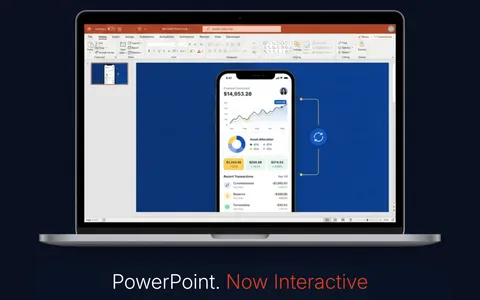
Show off a live app interface on the slide
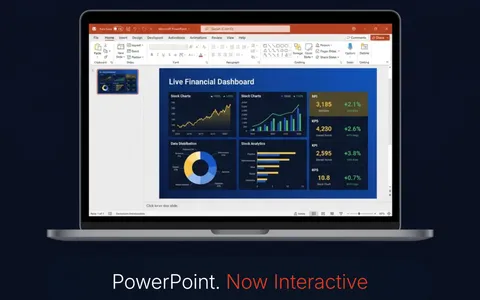
Walk through a live, interactive dashboard

Demo an e-commerce UI/UX flow in real time
Watch It In Action
The full setup and live demo, start to finish: see SparkEmbed installed, configured, and used on a real slide.
Frequently Asked Questions
Does this work on Mac as well as Windows?
Yes. SparkEmbed works on Windows and Mac desktop PowerPoint. It does not run in PowerPoint for the web, which cannot load sideloaded add-ins. Setup steps differ slightly by platform and are covered in the included guide.
What do I receive after purchase?
You get the add-in manifest file plus a step-by-step setup guide (PDF and on-site walkthrough) that covers installing and using SparkEmbed on Windows and Mac.
Will any website work inside the embed?
Pages you own, or pages that explicitly allow embedding, work reliably. Some sites block being displayed inside other apps for security reasons: that setting belongs to the site and cannot be changed from PowerPoint.
Want the full setup guide, live demo, and FAQ? Embed a live website in PowerPoint with SparkEmbed.